Inclusion begins with information and confidence
The separate PoD Slides page records feedback themes about awareness of available support, accessible communication, guidance, complaint channels and participation/co-design. Those needs extend beyond the appearance of a page.
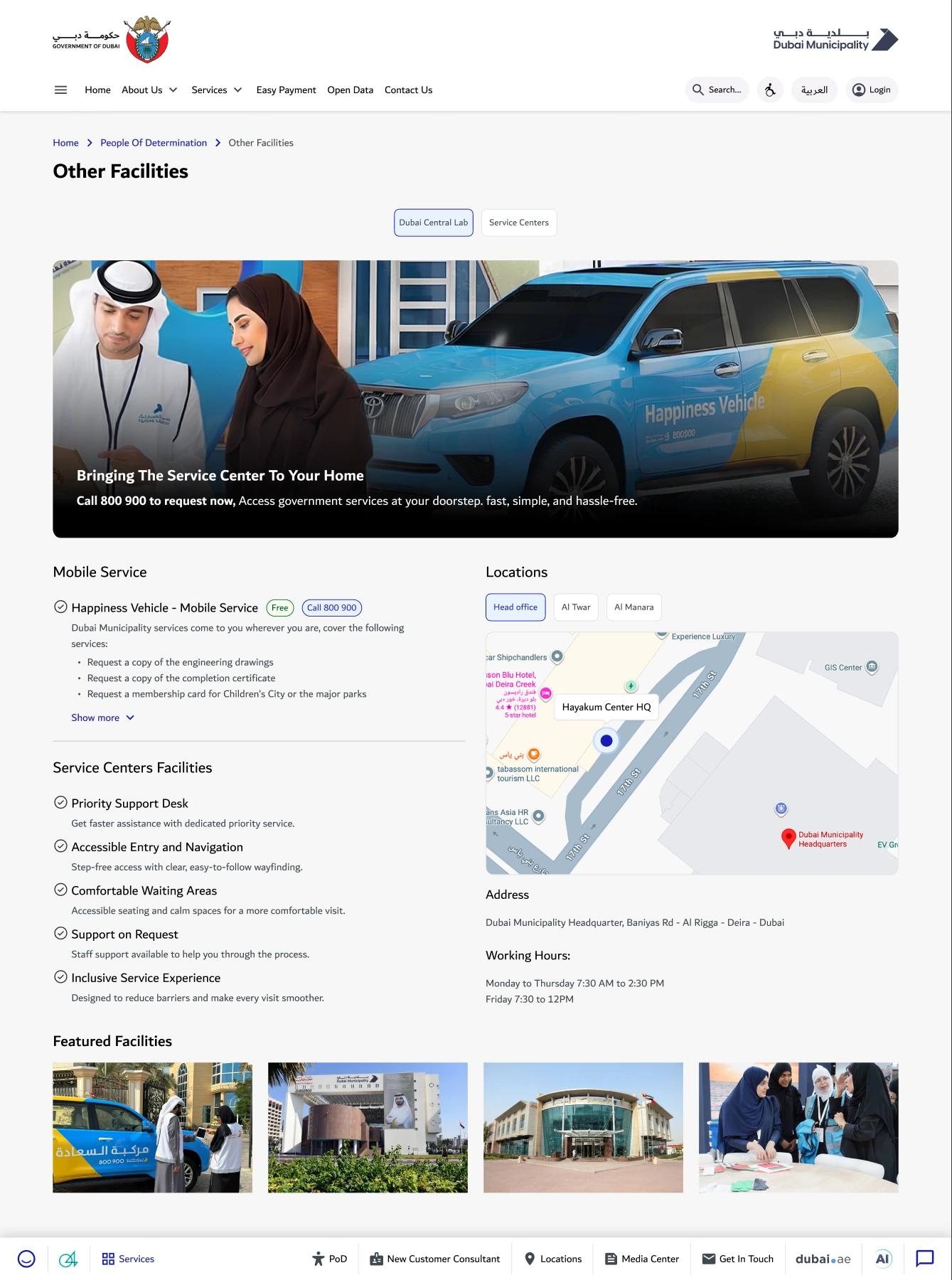
People need to understand what assistance exists, where a service/facility is, what to expect and how to communicate or ask for help. The case focuses on that applied service and facility information experience.
Six access profiles make the design requirements concrete
The accessibility programme extends the page designs with six planning profiles: an independent screen-reader user, a person relying on visual communication, a person needing predictable patterns, a user of adapted input, someone needing lower-pressure interactions, and an older user seeking simpler guidance.
These profiles connect an access need to a design response and a validation question. The supplied materials do not include the interview records or sample needed to call them validated research personas.
Bring scattered information into a coherent experience
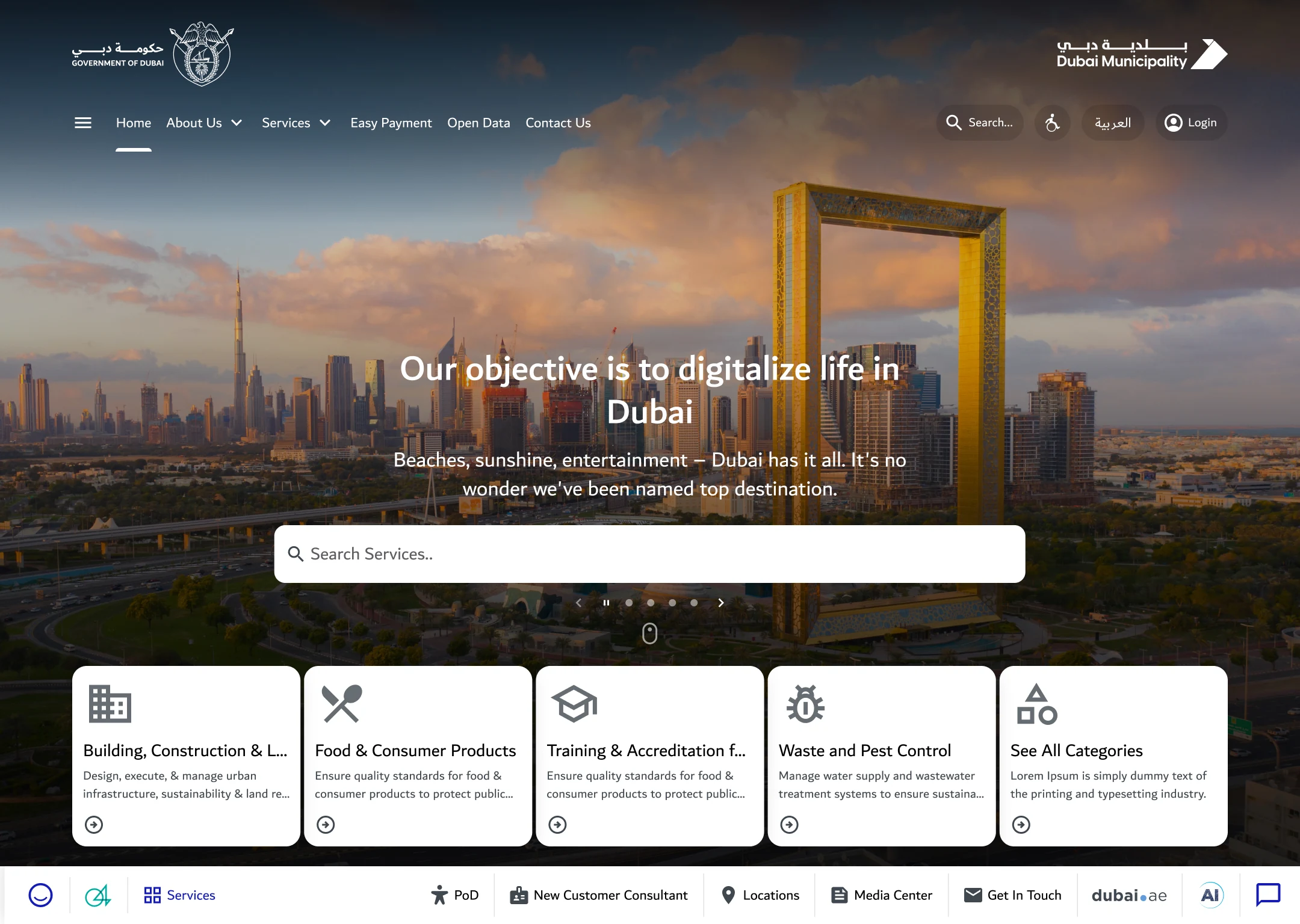
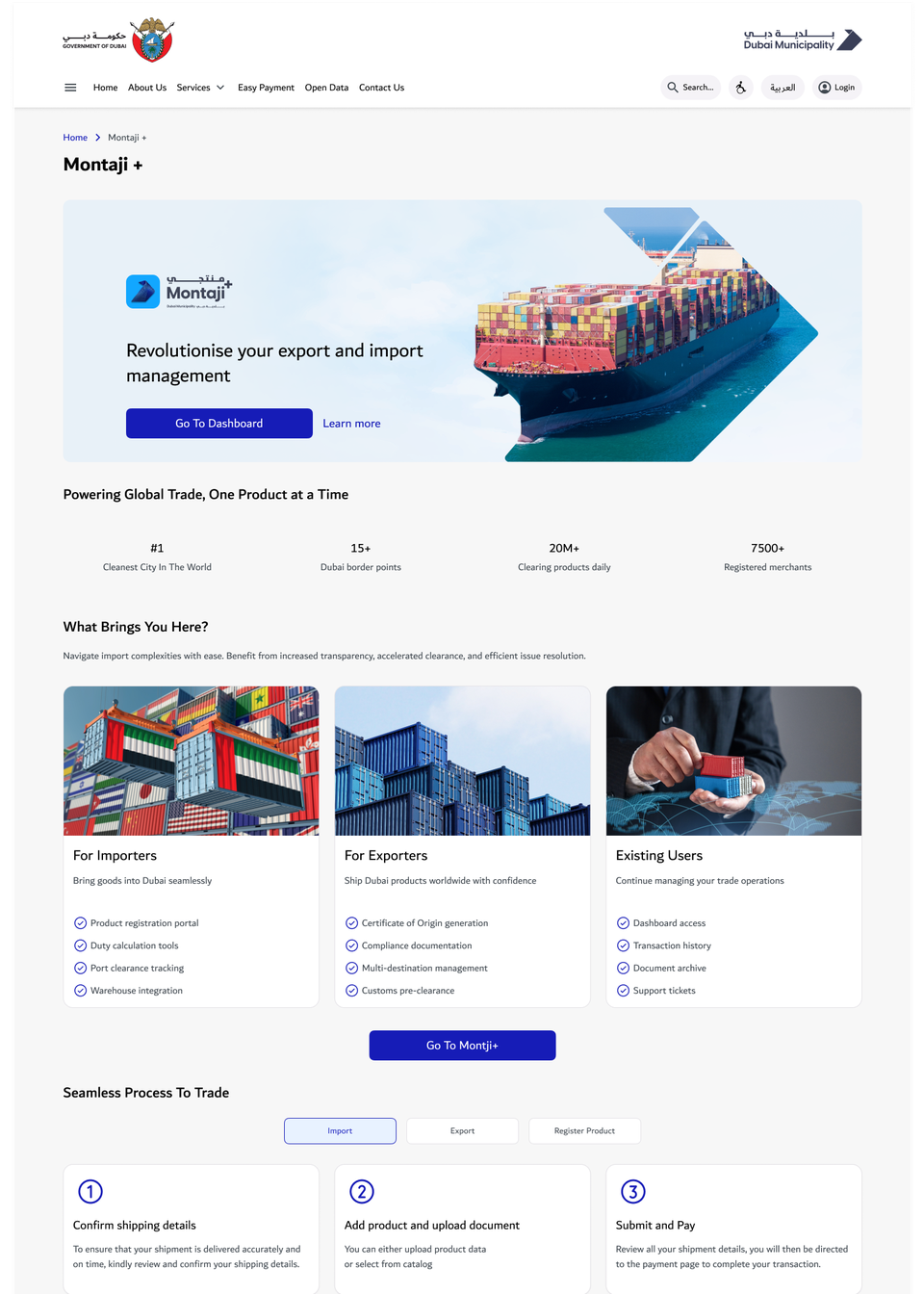
Original designs cover home, beaches, parks, laboratory, service-centre and entertainment information. The layouts combine facility context, available support, location and next-action content.
An information structure can reduce uncertainty before a visit or service interaction. The source-derived need-to-component table below is an explanatory interpretation; exact historical research-to-screen decision attribution is not implied.
| Feedback theme | Design component |
|---|---|
| Awareness of available assistance | Centralised service/facility information. |
| Communication options | Clear support and contact paths. |
| Physical/service expectations | Facilities, access and assistance information. |
| Feedback and participation | Visible complaint/feedback and participation routes. |
Resolve language and device context
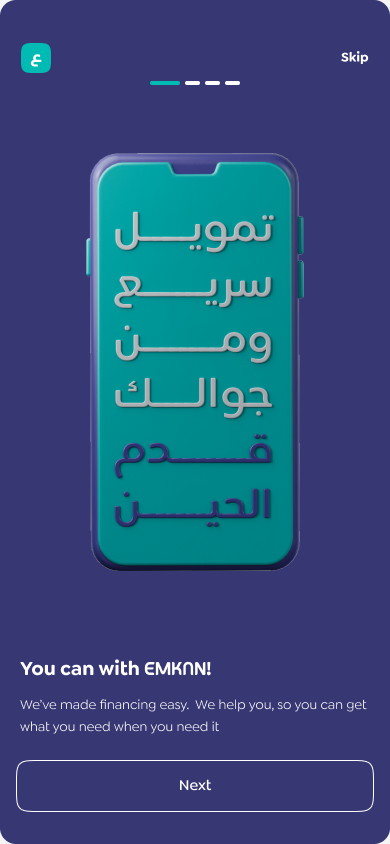
The original Figma page contains English desktop, 390px mobile and Arabic/RTL desktop counterparts. Content hierarchy and navigation must remain understandable when language direction and available space change.
My own 1 October progress update records UX/UI completed with RTL layout change, translation and responsive design. It also records internal evaluation completed with a minor request.
Review content and accessibility separately
A readable inclusive-service layout still needs verified content and applied accessibility testing. Some source layouts contain placeholder or inconsistent location labels; they are not published as verified facility facts.
Keyboard, focus, screen-reader, contrast, content comprehension and Arabic/mobile tasks require test evidence. The general PoD framework and designer/developer guides are separate reusable methods, not automatic proof this experience conforms.
Connect the information page to a wider inclusion programme
The roadmap brings together current-state assessment, immediate page improvements, partnerships for testing and staff training. Benchmarking is an input to prioritisation, while task testing determines whether a specific change helps customers.
Journey continuity, clear error recovery and support through a suitable channel are proposed service capabilities. They extend inclusion beyond colour contrast and the page layout to what happens when a customer pauses or needs help.
Use a specific task and cohort
Useful evaluation asks whether people can find the relevant support, understand what is available and take the correct next step. Include assisted-technology and communication needs in that task definition.
The slides contain reported 2023–2025 trends without established comparable denominators in the bounded review. Those trends are not personal design uplift or a before/after measure for the October 2026 work.
Access needs and design responses
Planning archetypes drawn from the supplied accessibility programme. These describe access needs; they are not a diagnosed or validated participant cohort.
Independent navigator
- Goal
- Complete a service with a screen reader
- Friction
- Information or controls that depend on sight
- Experience need
- Logical structure, keyboard access and clear status
Visual processor
- Goal
- Understand and respond without audio
- Friction
- Spoken instructions or audio-only alerts
- Experience need
- Text, captions, visual notifications and suitable support
Methodical organiser
- Goal
- Follow a predictable journey
- Friction
- Unexpected changes and unclear transitions
- Experience need
- Consistent patterns, preview and saved progress
Adaptive controller
- Goal
- Act using a suitable input method
- Friction
- Small targets, gestures or lost input
- Experience need
- Larger targets, alternative input and recovery
Anxious achiever
- Goal
- Complete the task with confidence
- Friction
- Unclear consequences and pressure
- Experience need
- Plain guidance, visible exits and reassurance
Determined elder
- Goal
- Use the service with manageable effort
- Friction
- Dense information and unfamiliar controls
- Experience need
- Readable content, simpler navigation and assistance
Key screens & project artifacts
Scroll to explore the full design. Open the viewer to zoom.
Scroll to explore the full design. Open the viewer to zoom.
Outcomes and learning
Original bilingual and responsive page designs now sit alongside a documented inclusion programme, access profiles and support concepts. Proposed capabilities, partnership plans and acceptance goals are separate from deployed functionality and measured customer outcomes.
About the evidence
- PoD applied designs, separate PoD Slides and original own October task-status message.
- Survey themes support context; no fabricated PoD participant count, compliance certificate or attributable uplift is claimed.
- Original project materials supplied in October 2026. Excerpts are integrated into the project story; targets and concepts are distinguished from released outcomes.